


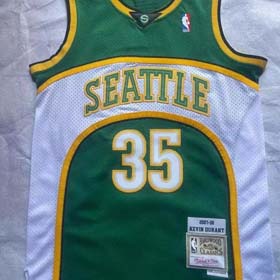







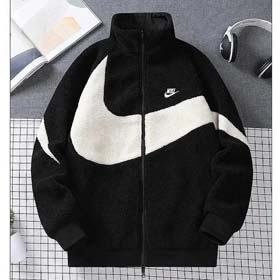

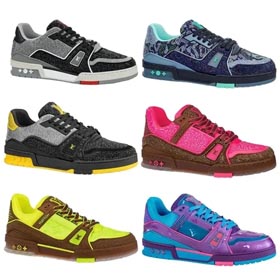
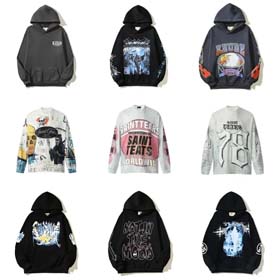


A systematic approach to quality control (QC) is essential for any buyer sourcing products through platforms like Litbuy. Rather than relying on memory or scattered notes, creating a standardized spreadsheet to document every inspection detail transforms subjective impressions into actionable, comparable data. This guide outlines how to design a practical, multi-functional QC spreadsheet that becomes your centralized hub for product quality intelligence.
Core Structure: Building Your Litbuy QC Spreadsheet Foundation
Your spreadsheet should serve as a complete historical record for each ordered item. Start with fundamental columns for Order ID, Supplier Name, Product Type (crucial for categorization), and Order Date. The heart of the document, however, lies in the dedicated QC sections. Create separate columns or grouped sections for each inspection category: Pre-shipment Photo Check Results, Material Quality Feedback, Size/Measurement Accuracy, Color Consistency versus Sample, Stitching and Construction Details, and a dedicated field for Any Defects Found. For categories like Bags, this is particularly vital; a section for Bags might include sub-checks for zipper function, lining integrity, strap attachment strength, and hardware quality.
Implementing a Standardized Rating & Description System
Consistency is key. Develop a clear, simple rating scale—such as 1-5 or Pass/Warning/Fail—and apply it uniformly to each QC category. This allows for quick visual assessment and later filtering. For example, rate 'Material Quality' based on feel, thickness, and alignment with the product description. Adjacent to each rating, include a brief description column. This is where you note specifics: not just 'stitching poor,' but 'loose stitching on interior seam of left side panel.' For Bags and other complex items, detailed descriptions help identify if a flaw is a one-off or a pattern. Satisfactory points should also be noted, highlighting reliable suppliers or well-executed product features.
Organizing Data for Analysis and Informed Decision-Making
The power of this spreadsheet is unlocked through organization and sharing. Use filters and sorting to group records by Product Type (e.g., all Bags, footwear, apparel) or by Brand. This side-by-side comparison reveals which categories or specific suppliers consistently pass strict checks and which have recurring issues. Sharing this document with other buyers creates a collaborative knowledge base. You can collectively reference common QC problems, track how the Litbuy platform handles and resolves quality complaints over time, and build a repository of verified inspection data.
From Data to Confident Purchasing Decisions
This data-driven approach moves you beyond vague claims. By analyzing your spreadsheet, you can identify items with recurring quality flaws—perhaps a specific style of backpack from a certain factory routinely fails on strap stitching. Conversely, you can confidently re-order product types that historically score well. Your purchasing decisions become based on empirical evidence, reducing risk and improving overall satisfaction. This disciplined method of documenting QC for every item, especially detailed categories like Bags, ultimately saves time, minimizes disputes, and builds a reliable supply chain.